Free
Support
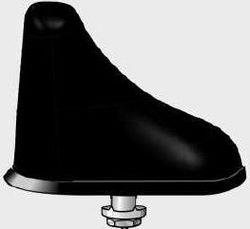
Antenne Bad Blankenburg ABB Kombi-Dachantenne GSM 900/1800, UMTS, LTE800/2600 (3768.03)
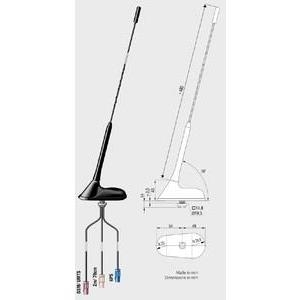
Antenne Bad Blankenburg ABB Kombiflex-Dachantenne, 2m/70cm, UMTS/GSM, GPS 3 x Fakra(m) (3748.01)
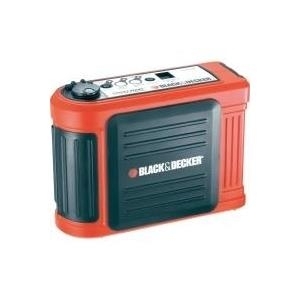
Hauptmerkmale Energie Ausgangsstrom 6A Batterie Akku-/Batterietyp sealed lead acid Akkuladezeit 0,33h Technische Details Gebündelte Stromadapter Ja Design Produktfarbe Schwarz, Rot Leistung Zahl der unterstützten Batterien 3
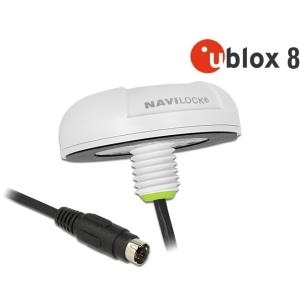
Kurzinfo: Navilock NL-82022MP MD6 serial multi GNSS UDR receiver - GPS/GLONASS/GALILEO/BeiDou/QZSS Empfänger Modul Gruppe GPS-Kits Hersteller NAVILOCK Hersteller Art. Nr. 62755 EAN/UPC 4043619627554 Produktbeschreibung: Navilock NL-82022MP MD6 serial multi GNSS UDR receiver - GPS/GLONASS/GALILEO/BeiDou/QZSS Empfänger Modul Produkttyp GPS/GLONASS/GALILEO/BeiDou/QZSS Empfänger Modul Receiver U-blox NEO-M8U - 72 Kanäle Schnittstelle NMEA 0183 SBAS WAAS, EGNOS, MSAS Aktualisierungsrate 20/Sekunde Antenne Eingebaut Abmessungen (Breite x Tiefe x Höhe) 6.2 cm x 6.2 cm x 2.1 cm Ausführliche Details Allgemein Produkttyp GPS/GLONASS/GALILEO/BeiDou/QZSS Empfänger Modul Receiver U-blox NEO-M8U - 72 Kanäle Schnittstelle NMEA 0183 SBAS WAAS, EGNOS, MSAS Genauigkeit Position - 2 m (mit SBAS) Position - 2.5 m Aktualisierungsrate 20/Sekunde Verfolgungsempfindlichkeit -160 dBm Antenne Eingebaut Abrufzeiten Schnellstart 1sec Kaltstart 26 Sek. PC-Systemanforderungen für GPS Erforderliches Betriebssystem Microsoft
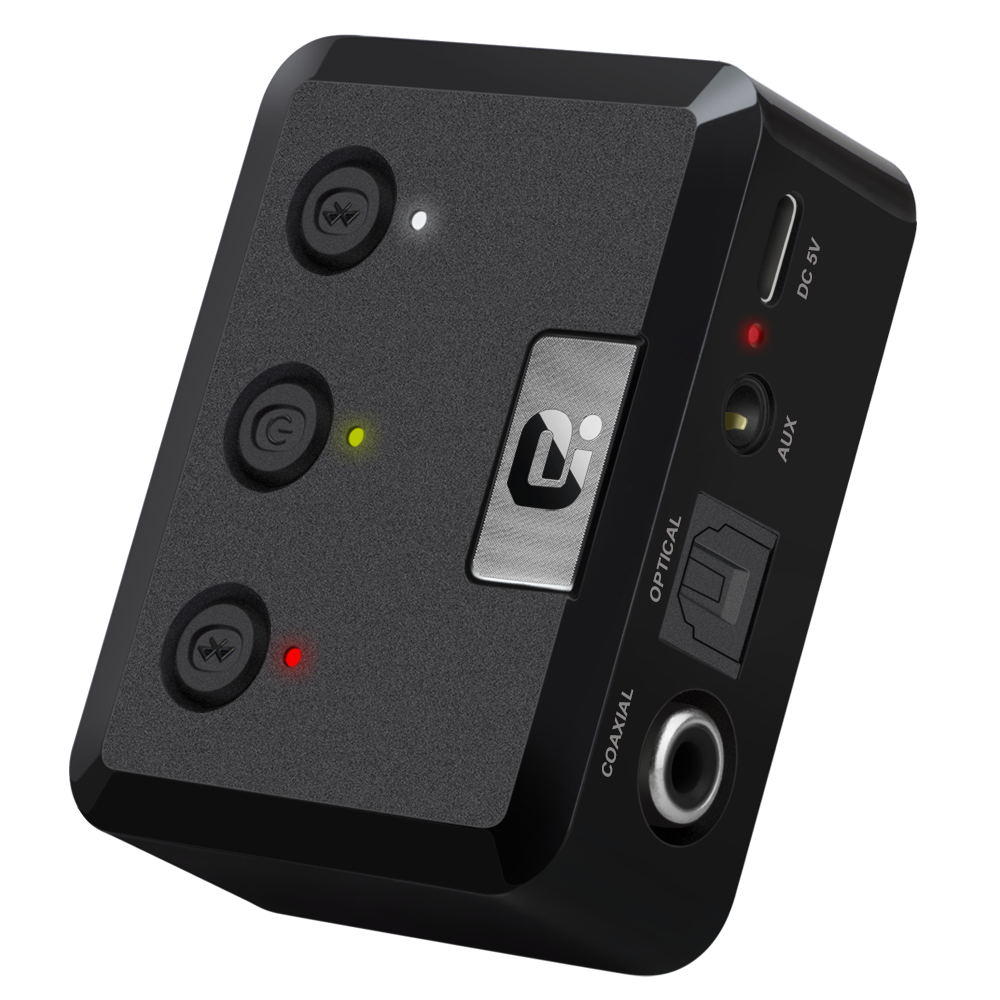
Operation Specifications:1. Press and hold the power button for 1S to turn on the machine. At this time, the white indicator of the device 1status and the white status indicator of the device 2 are on, and the middle power indicator is lit yellow.2. At this time, put the bluetooth device (bluetooth speaker or earphone) into the bluetooth pairing state, and thenpress the right button of MR275 right. At this time, the blue indicator of the device 2 status flashes quickly and entersthe search pairing state. After the pairing is successful, the device 2 is blue. The status indicator will be steady on.3. If you need to connect a buetooth device (bluetooth speaker or earphone), enter another bluetooth device (bluetoothspeaker or earphone) into the bluetooth pairing state, and then press the MR275 left pairing button. At this time, the device1 status blue indicator light is fast. Flash, enter the active search pairing state, after the pairing is successful, the blue statusindicator of the device 1 will be always on.4. Press and hold the right pairing button for 5 seconds to enter the bluetooth clearing list (that is, all previously connectedbluetooth device lists will be deleted).5. Automatic connection status:When the bluetooth device and the MR275 are successfully paired, when the bluetooth device is turned on again, it willautomatically connect back to the MR275;When the bluetooth device is turned on and waiting for the connection state, the MR275 is turned on at this time, and t