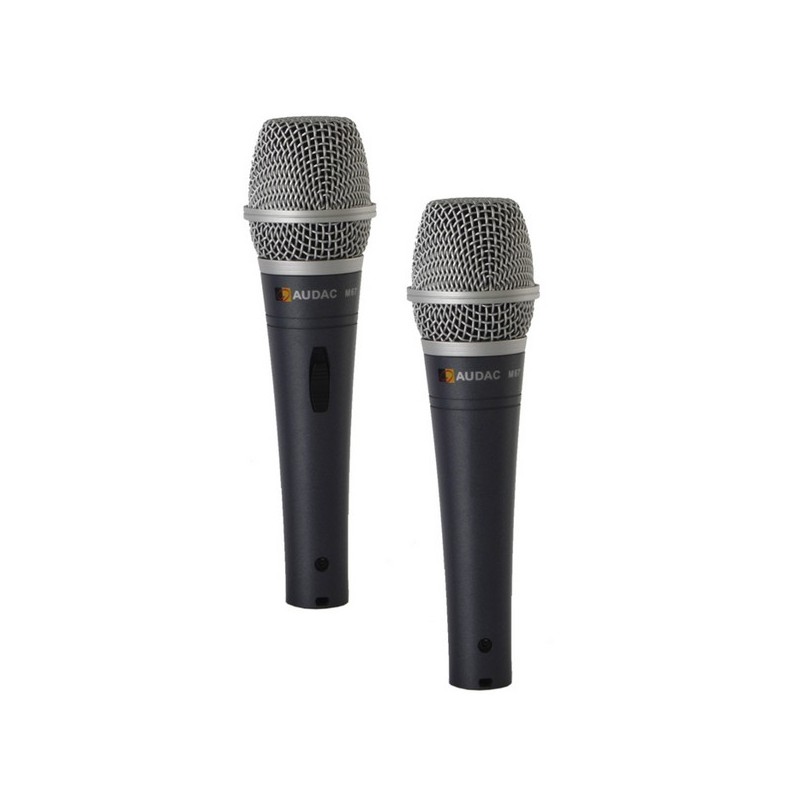
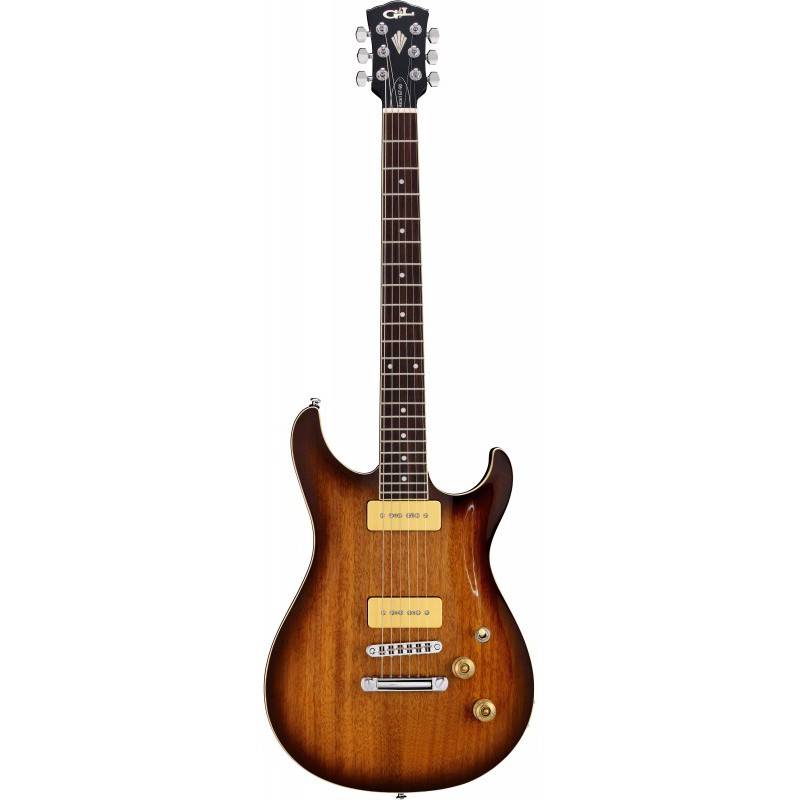
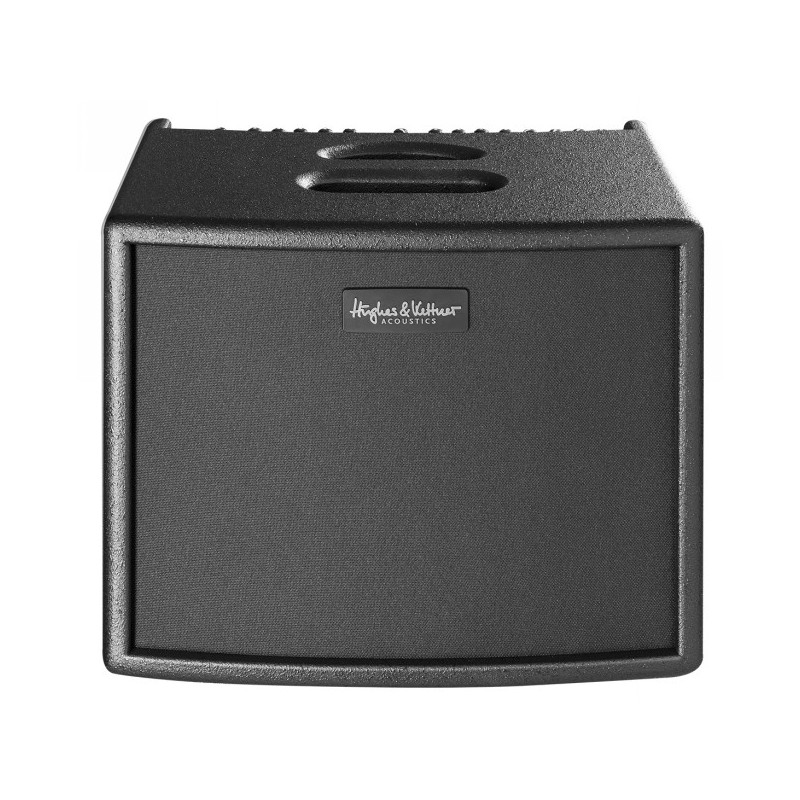
Willkommen in einer neuen Ära der akustischen Verstärkung. Entwickelt mit dem renommierten Akustik-Amp-Entwickler Michael Eisenmann bietet era 1 eine detaillierte Definition für unvergleichliche Authentizität und Klangbrillanz sowie eine Reihe von bemerkenswert innovativen und intuitiven Features, um jede Performance zu perfektionieren. Darüber hinaus ist era 1 in Deutschland nach höchsten Qualitätsstandards gebaut. Hochauflösender Klang Sorgfältige Auswahl der besten Komponenten Excellente Preamps Hochwertige AD/DA-Wandler Eine Custom-Made-Endstufe mit massiven Headroom Eine sehr hohe Detailauflösung und eine phantastische Dynamik mit großem Headroom sorgen für ein unerreicht natürliches Klangerlebnis. Intuitivere Bedienung ohne Kompromisse Zwei komplett ausgestattete, identische Kanäle Unabhängige FX-Engine je Kanal mit 16 Programmen Sehr wirkungsvolle Preshape- und Mode-Schalter zur einfachen Voreinstellung für verschiedene Instrumente und Stimmlagen So kompakt und leicht wie konventionelle 60-Watt-Combos Superior Quality Entwickelt von dem renommierten Akustik-Amp-Entwickler Michael Eisenmann in Zusammenarbeit mit dem Team von Hughes & Kettner Auswahl von wertigen, langlebigen Materialien Gefertigt in Deutschland mit höchsten Qualitätsansprüchen Technische Daten ALLGEMEIN LEISTUNG 250 Watt ABMESSUNGEN (B X H X T) 350 x 285 x 290 mm GEWICHT 9,85 kg / 21,7 lbs (wood), 10,75 kg / 23,7 lbs. (black) SCHRÄGSTELLER (IM LIEFERUMFANG) 25° / 35° HOCHSTÄNDERFLANSCH 35 mm SCHUTZHÜLLE (IM LIEFERUMFANG) Gepolstert KANÄLE (EINGÄNGE) KANAL 1 UND 2 High Resolution Mic und Instrument Input (XLR/6,3 mm Klinke Combobuchse ? Phantom Power schaltbar)) KANAL 3 Aux In: 3,5 mm Stereo-Input; regelbar KANAL 4 / FX RETURN 6,3 mm Stereo-Input; regelbar AUSGÄNGE DI-OUT XLR symmetrisch; Pre/Post EQ schaltbar; Ground Lift schaltbar LINE OUT 6,3 mm Stereo Output; regelbar CHANNEL OUT über FX Send; 6,3 mm Stereo Output OPTICAL RECORDING OUT S/PDIF TOSLINK, optisch PHONES OUT 6,3 mm Stereo Kopfhörer-Ausgang TUNER 6,3 mm Mono Ausgang für Stimmgerät KANAL 1 UND 2 SCHALTER -10 db; Shape; Mute GAIN REGLER Eingangsempfindlichkeit EQ 3-Band-EQ, 2 Modes schaltbar INTERNE EFFEKTE 16 FX-Programme (Reverb, Chorus, Flanger, Delay, Kombinationen), Effektparameter regelbar MASTER VOLUME Master Volume NOTCH FILTER 40 - 180 Hz EFFEKTWEG FX SEND 6,3 mm Stereo Output FX RETURN über Input: 6,3 mm Stereo Input; regelbar LAUTSPRECHER MITTELTIEFTON 1X8? Custom made HOCHTON 1×1? Hochtonkalotte FUßSCHALTERANSCHLUSS HUGHES & KETTNER FS-2 (OPTIONAL ERHÄLTLICH) Schaltfunktionen: Amp stummschalten, interne Effekte stummschalten