Free
Support
Hama 00107273 Autoradio-Universal-Antenne mit Verstärker (00107273)
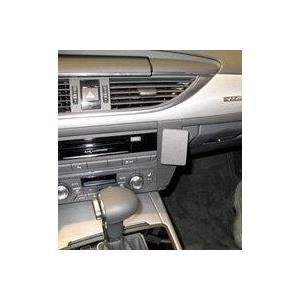
Kurzinfo: Brodit ProClip Center mount - Befestigungsklammer(n) - Schwarz Gruppe Zubehör Hersteller Brodit Hersteller Art. Nr. 854622 Modell ProClip Center mount EAN/UPC 7320288546223 Produktbeschreibung: Brodit ProClip Center mount - Befestigungsklammer(n) Produkttyp Befestigungsklammer(n) Produktmaterial ABS-Kunststoff Ausführliche Details Allgemein Produkttyp Befestigungsklammer(n) Produktmaterial ABS-Kunststoff Farbe Schwarz Verschiedenes Kompatible Fahrzeuge Audi A6 / 2011 oder später Besonderheiten Mittelmontage Platzierung/Befestigung Armaturenbrett
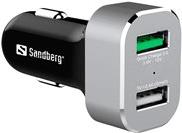
Kurzinfo: Sandberg Car Charger 1xQC 3.0+1xUSB2.4A - Auto-Netzteil - 3 A - Quick Charge 3.0 - 2 Ausgabeanschlussstellen (USB) Gruppe Netzgeräte & Batterien/Akkus Hersteller Sandberg Hersteller Art. Nr. 441-10 EAN/UPC 5705730441103 Produktbeschreibung: Sandberg Car Charger 1xQC 3.0+1xUSB2.4A - Auto-Netzteil Produkttyp Auto-Netzteil Ausgangsanschlusstyp USB Erforderliche Netzspannung 12-18 V Geleistete Netzspannung 3.6 - 6.5 / 5 / 6.5 - 9 / 9 - 12 V Details zum Leistungsgerät - 4-polig USB-Typ A - 5 V - 2.4 A - 4-polig USB-Typ A - 3 A Ausführliche Details Allgemein Produkttyp Auto-Netzteil Stromversorgungsgerät Erforderliche Netzspannung 12-18 V Eingangsanschlüsse Pkw-Zigarettenanzünder Menge Eingangsstecker 1 Geleistete Netzspannung 3.6 - 6.5 / 5 / 6.5 - 9 / 9 - 12 V Ausgabeanschlussstellen Gesamt 2: 4-polig USB Typ A Elektrischer Strom max. 3 A Details zum Leistungsgerät - 4-polig USB-Typ A - 5 V - 2.4 A - 4-polig USB-Typ A - 3 A Schnelllade-Technologie Qualcomm Quick Charge 3.0 Merkmale
Hauptmerkmale Leistung Aufladetyp Auto Kompatible Produkte MOTORAZR V9 MOTORAZR V9m Design Produktfarbe Schwarz
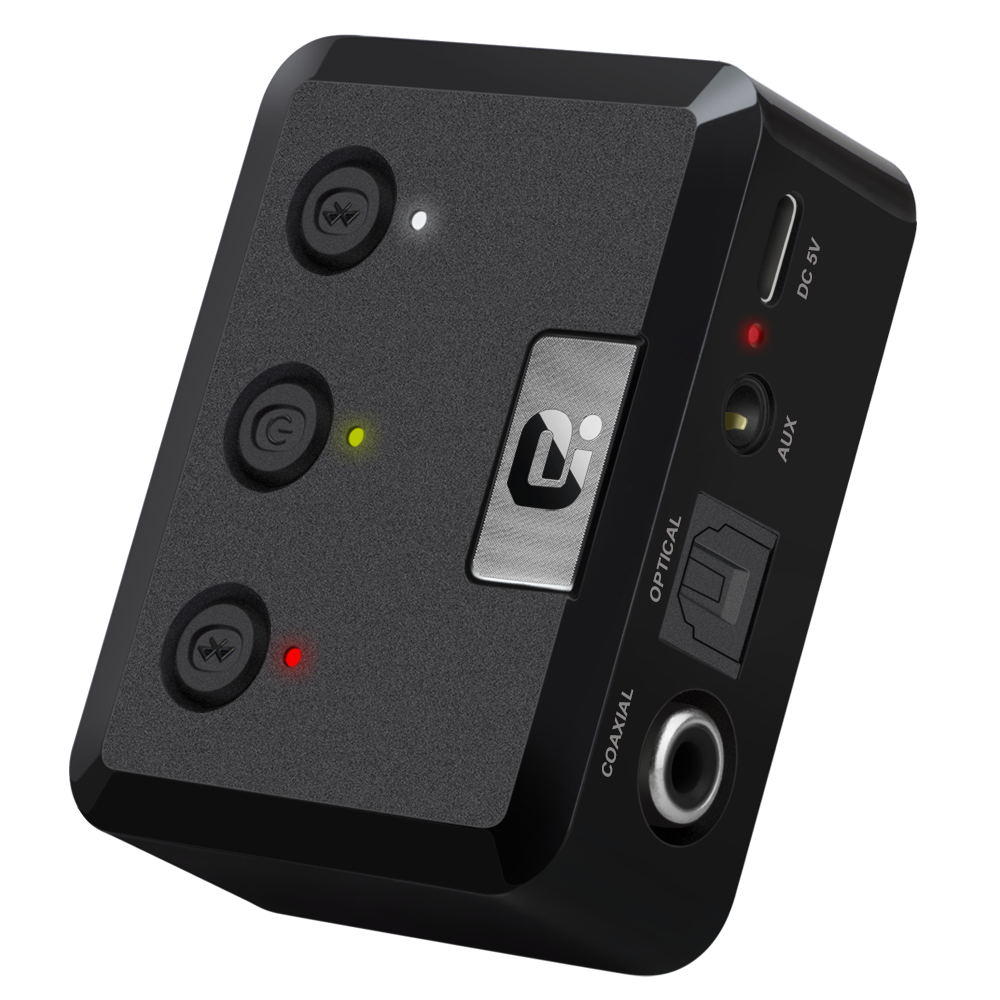
Operation Specifications:1. Press and hold the power button for 1S to turn on the machine. At this time, the white indicator of the device 1status and the white status indicator of the device 2 are on, and the middle power indicator is lit yellow.2. At this time, put the bluetooth device (bluetooth speaker or earphone) into the bluetooth pairing state, and thenpress the right button of MR275 right. At this time, the blue indicator of the device 2 status flashes quickly and entersthe search pairing state. After the pairing is successful, the device 2 is blue. The status indicator will be steady on.3. If you need to connect a buetooth device (bluetooth speaker or earphone), enter another bluetooth device (bluetoothspeaker or earphone) into the bluetooth pairing state, and then press the MR275 left pairing button. At this time, the device1 status blue indicator light is fast. Flash, enter the active search pairing state, after the pairing is successful, the blue statusindicator of the device 1 will be always on.4. Press and hold the right pairing button for 5 seconds to enter the bluetooth clearing list (that is, all previously connectedbluetooth device lists will be deleted).5. Automatic connection status:When the bluetooth device and the MR275 are successfully paired, when the bluetooth device is turned on again, it willautomatically connect back to the MR275;When the bluetooth device is turned on and waiting for the connection state, the MR275 is turned on at this time, and t