Free
Support
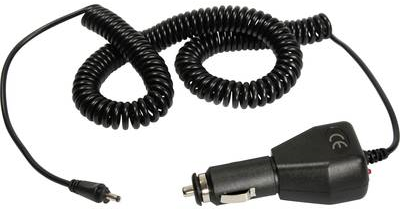
AS Schwabe Kfz-Ladekabel, 2 m Anschlussleitung (42433)
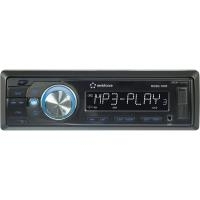
Beschreibung Renkforce RUSD-1803 Autoradio UKW-Radio mit RDS-Funktion USB-Schnittstelle SD-Speicherkartenleser ID3-Tag-Anzeige bei MP3-Wiedergabe Das Renkforce RUSD-1803 Autoradio im klassischen Design bietet für eigene Audiodateien eine USB-Schnittstelle und einen SD-Speicherkartenplatz. Ausstattung: Abnehmbares Bedienteil Elektronische Lautstärke-, Tiefen-, Höhen-, Fader- und Balance-Regelung Digitaler Signalprozessor zur Anpassung der Klangcharakteristik an verschiedene Musikrichtungen Loudness-Schaltung Genaues elektronisches Abstimmen der Sender durch PLL-Tuner Manueller und automatischer Sendersuchlauf in beide Suchrichtungen Automatische Senderspeicherung ID3-Tag-Anzeige bei MP3-Wiedergabe Uhrzeiteinstellung über RDS-System ISO-Anschlussterminal. Technische Daten: Autoradio-Typ (Kategorisierung): Autoradio Farbe: Schwarz Farbe Tastenbeleuchtung: Blau Musikleistung max.: 4 x 40 W SD-Karten Slot: Ja Schnittstellen (Computer/Multimedia): USB,SD,Klinke Senderspeicher: 18 USB-Anschluss:
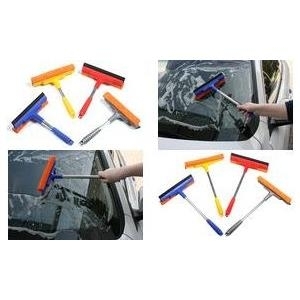
IWH KFZ-Scheibenreiniger, mit Alustiel, Länge: 250 mm mit Schwamm und Gummilippe, Schwammbreite: 200 mm, - 1 Stück (007133)
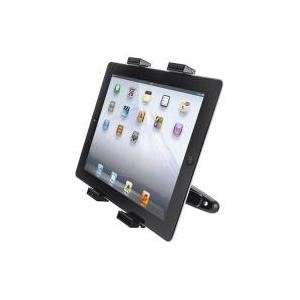
Kurzinfo: Trust Universal Car Headrest Holder for tablets - Web-Tablet-Halter für KfZ Gruppe Zubehör Hersteller Trust Computer Hersteller Art. Nr. 18639 EAN/UPC Produktbeschreibung: Trust Universal Car Headrest Holder for tablets - Web-Tablet-Halter für KfZ Paketierte Menge 1 Produkttyp Web-Tablet-Halter für KfZ Gewicht 155 g Ausführliche Details Allgemein Paketierte Menge 1 Produkttyp Web-Tablet-Halter für KfZ Gewicht 155 g
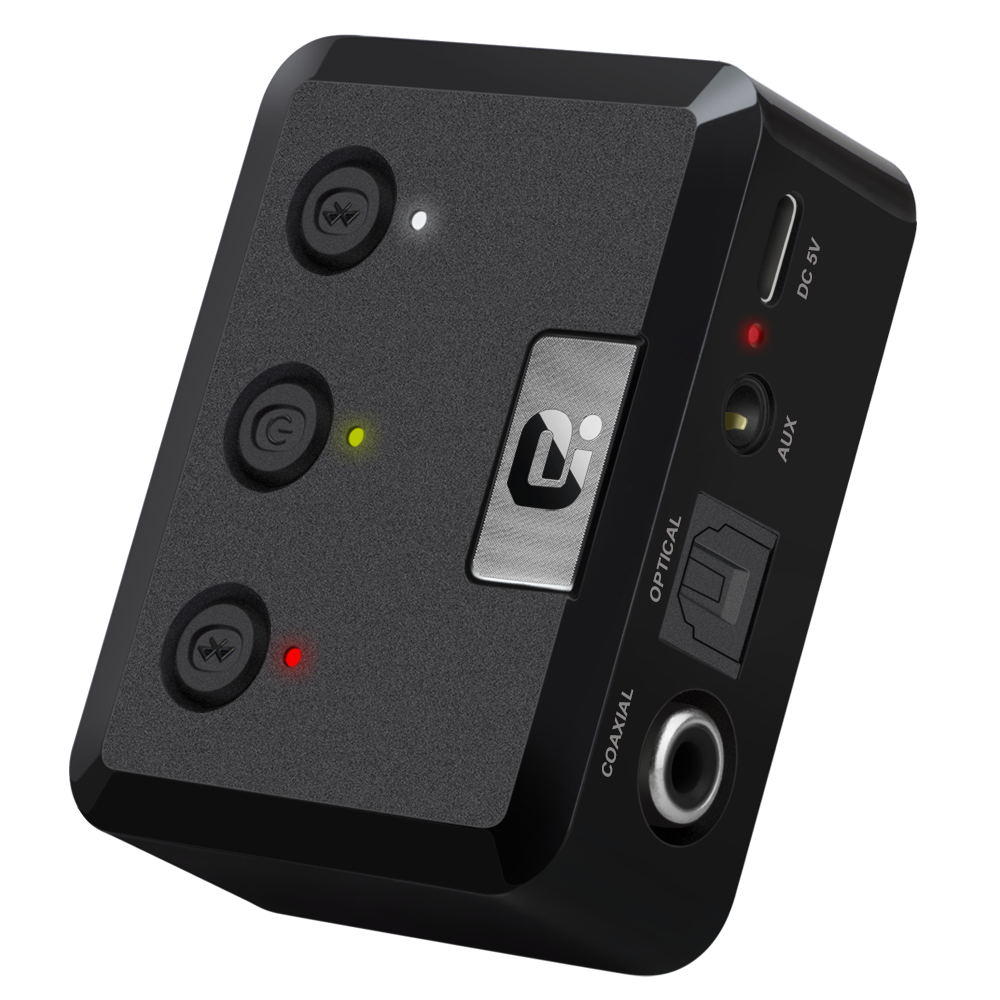
Operation Specifications:1. Press and hold the power button for 1S to turn on the machine. At this time, the white indicator of the device 1status and the white status indicator of the device 2 are on, and the middle power indicator is lit yellow.2. At this time, put the bluetooth device (bluetooth speaker or earphone) into the bluetooth pairing state, and thenpress the right button of MR275 right. At this time, the blue indicator of the device 2 status flashes quickly and entersthe search pairing state. After the pairing is successful, the device 2 is blue. The status indicator will be steady on.3. If you need to connect a buetooth device (bluetooth speaker or earphone), enter another bluetooth device (bluetoothspeaker or earphone) into the bluetooth pairing state, and then press the MR275 left pairing button. At this time, the device1 status blue indicator light is fast. Flash, enter the active search pairing state, after the pairing is successful, the blue statusindicator of the device 1 will be always on.4. Press and hold the right pairing button for 5 seconds to enter the bluetooth clearing list (that is, all previously connectedbluetooth device lists will be deleted).5. Automatic connection status:When the bluetooth device and the MR275 are successfully paired, when the bluetooth device is turned on again, it willautomatically connect back to the MR275;When the bluetooth device is turned on and waiting for the connection state, the MR275 is turned on at this time, and t
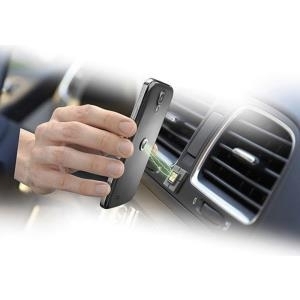
Kurzinfo: Cellular Line HANDY WING - Halterung für Kfz Gruppe Zubehör Hersteller Cellular Italia Hersteller Art. Nr. HANDYWINGK Modell Cellular Line HANDY WING EAN/UPC 8018080251252 Produktbeschreibung: Cellular Line HANDY WING - Halterung für Kfz Produkttyp Halterung für Kfz Vorgesehen für Handy Geeignet für Installation Auto Ausführliche Details Allgemein Produkttyp Halterung für Kfz Vorgesehen für Handy Geeignet für Installation Auto Verschiedenes Platzierung/Befestigung Lüftungsgitter im Auto