Libre
Soutien
Kurzinfo: Brodit Passive holder with tilt swivel - Halterung für Kfz - für HTC U11 Gruppe Zubehör Hersteller Brodit Hersteller Art. Nr. 711012 EAN/UPC 7320287110128 Produktbeschreibung: Brodit Passive holder with tilt swivel - Halterung für Kfz Produkttyp Halterung für Kfz Vorgesehen für Handy Geeignet für Installation Auto Entwickelt für HTC U11 Ausführliche Details Allgemein Produkttyp Halterung für Kfz Vorgesehen für Handy Geeignet für Installation Auto Anpassungen Neigung, schwenken Verschiedenes Platzierung/Befestigung ProClip Befestigungsplattform Informationen zur Kompatibilität Entwickelt für HTC U11
Kurzinfo: KRAM ISO2CAR - Kabelbaumadapter für KFZ-Stereo-Verkabelung Gruppe Kabel Hersteller KRAM Telecom Hersteller Art. Nr. 86102 Modell ISO2CAR EAN/UPC 5705932861020 Produktbeschreibung: KRAM ISO2CAR - Kabelbaumadapter für KFZ-Stereo-Verkabelung Kabel Kabelbaumadapter für KFZ-Stereo-Verkabelung Ausführliche Details Allgemein Kabeltyp Kabelbaumadapter für KFZ-Stereo-Verkabelung Verschiedenes Kompatible Fahrzeuge BMW (2009)
Kurzinfo: Brodit ProClip Center mount - Befestigungsklammer(n) - Schwarz Gruppe Zubehör Hersteller Brodit Hersteller Art. Nr. 855297 Modell ProClip Center mount EAN/UPC 7320288552972 Produktbeschreibung: Brodit ProClip Center mount - Befestigungsklammer(n) Produkttyp Befestigungsklammer(n) Geeignet für Installation Auto Produktmaterial ABS/Acetal Plastik Ausführliche Details Allgemein Produkttyp Befestigungsklammer(n) Geeignet für Installation Auto Produktmaterial ABS/Acetal Plastik Farbe Schwarz Verschiedenes Kompatible Fahrzeuge Volkswagen Amarok / 2017 Platzierung/Befestigung Armaturenbrett
Kurzinfo: Brodit Active holder with cig-plug - Fahrzeughalterung/Ladegerät - für Samsung Galaxy Tab Active 2 Gruppe Zubehör Hersteller Brodit Hersteller Art. Nr. 721003 EAN/UPC 7320287210033 Produktbeschreibung: Brodit Active holder with cig-plug - Fahrzeughalterung/Ladegerät Produkttyp Fahrzeughalterung/Ladegerät Vorgesehen für Tablet Geeignet für Installation Auto Entwickelt für Samsung Galaxy Tab Active 2 Ausführliche Details Allgemein Produkttyp Fahrzeughalterung/Ladegerät Vorgesehen für Tablet Geeignet für Installation Auto Anpassungen Neigung Gelenke Drehgelenk Verbindungen Verbindungen Gleichstromeingang - Auto-Zigarettenanzünder Verschiedenes Platzierung/Befestigung ProClip Befestigungsplattform Informationen zur Kompatibilität Entwickelt für Samsung Galaxy Tab Active 2
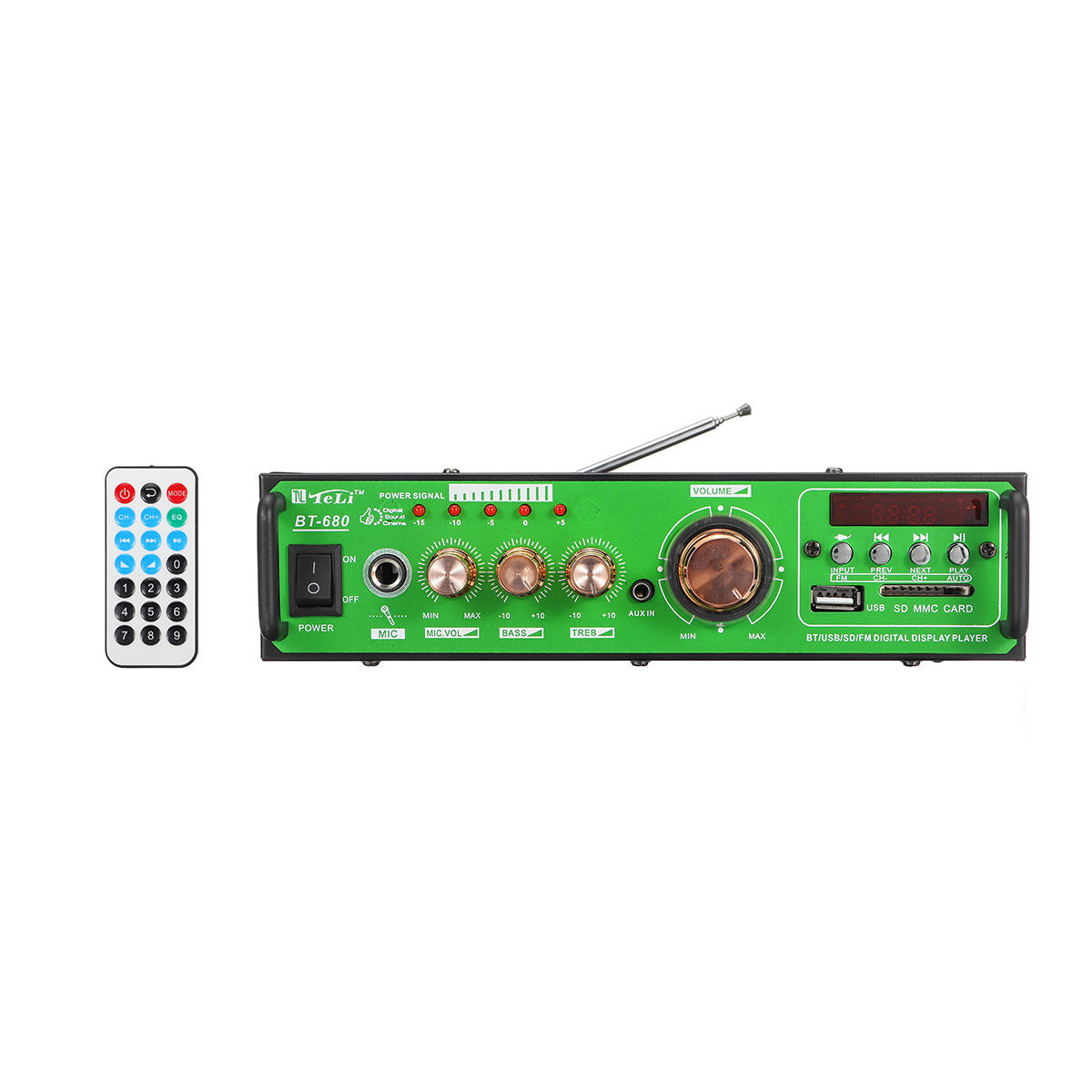
USB:MicroUSB; Modèle:大众机H; Convient à la taille du téléphone:7; Format Vidéo:MKV,MP4,3GP,RMVB,RM,AVI; La langue:Allemand,Anglais,Indonésien,Thaïlandais,Grec,Arabe,Italien,Chinois Simplifié,Espagnol; Résolution d'écran:800 x 480; Fente Carte GPS:Carte TF; Type:Voiture MP5 Player; Marque de véhicule compatible:Universel; Année:Toutes les Années; Système d'Alimentation / Tension:12V; Format Audio Supporté:APE,FLAC,WAV,WMA,MP3; Format image:JPG; Caractéristiques:Bluetooth Intégré,MP3; VACARME:2 Din; Dimensions nettes:26.52518; Poids à l'expédition:2.3; Poids Net:1.9; date d'inscription:10/14/2020; Instructions:Anglais
Operation Specifications:1. Press and hold the power button for 1S to turn on the machine. At this time, the white indicator of the device 1status and the white status indicator of the device 2 are on, and the middle power indicator is lit yellow.2. At this time, put the bluetooth device (bluetooth speaker or earphone) into the bluetooth pairing state, and thenpress the right button of MR275 right. At this time, the blue indicator of the device 2 status flashes quickly and entersthe search pairing state. After the pairing is successful, the device 2 is blue. The status indicator will be steady on.3. If you need to connect a buetooth device (bluetooth speaker or earphone), enter another bluetooth device (bluetoothspeaker or earphone) into the bluetooth pairing state, and then press the MR275 left pairing button. At this time, the device1 status blue indicator light is fast. Flash, enter the active search pairing state, after the pairing is successful, the blue statusindicator of the device 1 will be always on.4. Press and hold the right pairing button for 5 seconds to enter the bluetooth clearing list (that is, all previously connectedbluetooth device lists will be deleted).5. Automatic connection status:When the bluetooth device and the MR275 are successfully paired, when the bluetooth device is turned on again, it willautomatically connect back to the MR275;When the bluetooth device is turned on and waiting for the connection state, the MR275 is turned on at this time, and t