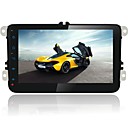
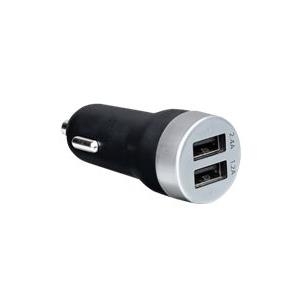
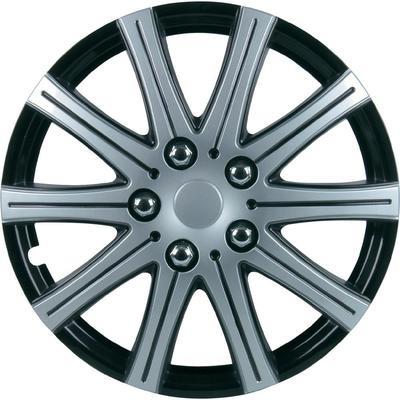
Mémoire externe:Jusqu'à 32Go/Carte TF; Caractéristiques:Jeux,Sortie de caisson de basses,Wifi,Commande au volant,RDS,iPod,GPS,Bluetooth intégré,3G (CDMA2000),Ecran tactile; Format de l'affichage:16:9; Taille d'écran:8 pouces; Résolution d'écran:1024 x 600; Langues OSD:Italien,Espagnol,German,Français,Anglais,Chinois,Russe; Type de support:GIF,SVCD,JPG,VCD,FLV,CDR/RW,3GP,CD-R/RW,RM,CD,DVD,MPEG4,DVD-RAM,AVI,MP4,DVDR/RW,JPEG,DVD-R/RW,WMA,BMP,MP3; Réponse en fréquence radio:AM: 522 KHz-1620 KHz;FM: 87.5 MHz-108 MHz; Processeur GPS:MSTAR; Cartographie supportée:IGO; Navigation vocale:Oui; Puissance de sortie max de l'amplificateur/Quantité de canaux:45 Watts x 4; Type de connecteur:1 x Connecteurs (ALIMENTATION CTE),1 x Caméra de recul,1 x Vérification des freins,Sortie A/V x1,4 x A/V OUT,2 x A/V IN,1 x Antenne GPS,1 x USB,1 x Caisson de basses,1 x IPOD,1 x Commande au volant; Type:2 Din; Couleur:Noir; Dimensions/LxLxH (mm):220148137; Poids net (kg):1.56kg; Garantie:1 An; Que contient la boîte:Câble d'alimentation,Câble AV,Antenne GPS,Câble USB,Ensemble de câbles AV,Manuel d'utilisateur,Poste DVD; Année:2011,2010,2009,2014,2013,2012; Marque:Volkswagen; Modèle:Golf,Touran; tension du système / Power:12V; Caractéristiques:Android; Système d'exploitation:Android4.1; Navigation vocale:Tour à tour guidage vocal; Sans fil:Bluetooth,3G